Increase your online sales with Apple Pay on epay eCommerce. With Apple Pay, purchases can be completed in just one click, without the need to enter card details.
Increase your online sales with Apple Pay on epay eCommerce. With Apple Pay, purchases can be completed in just one click, without the need to enter card details.


Apple Pay is a digital wallet from Apple that enables users to make online purchases quickly, easily, and securely using the cards stored in their Apple Wallet.
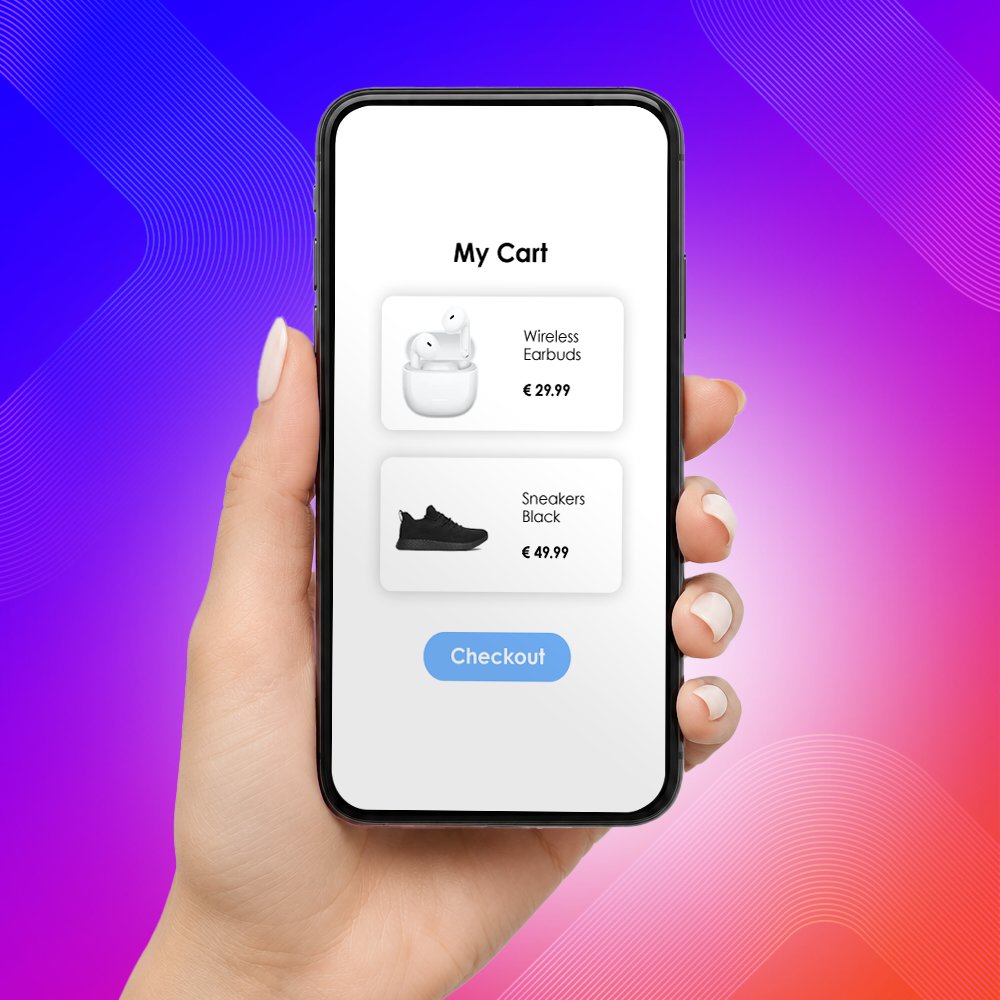
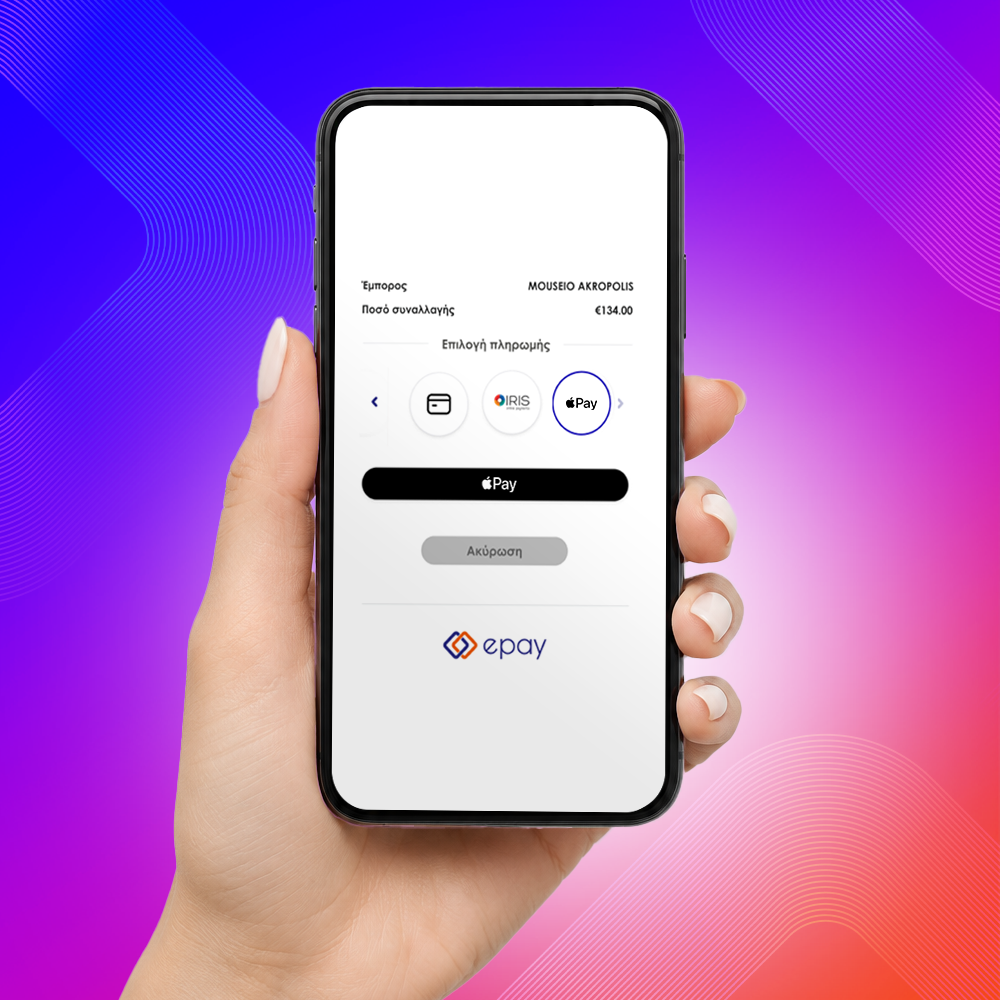
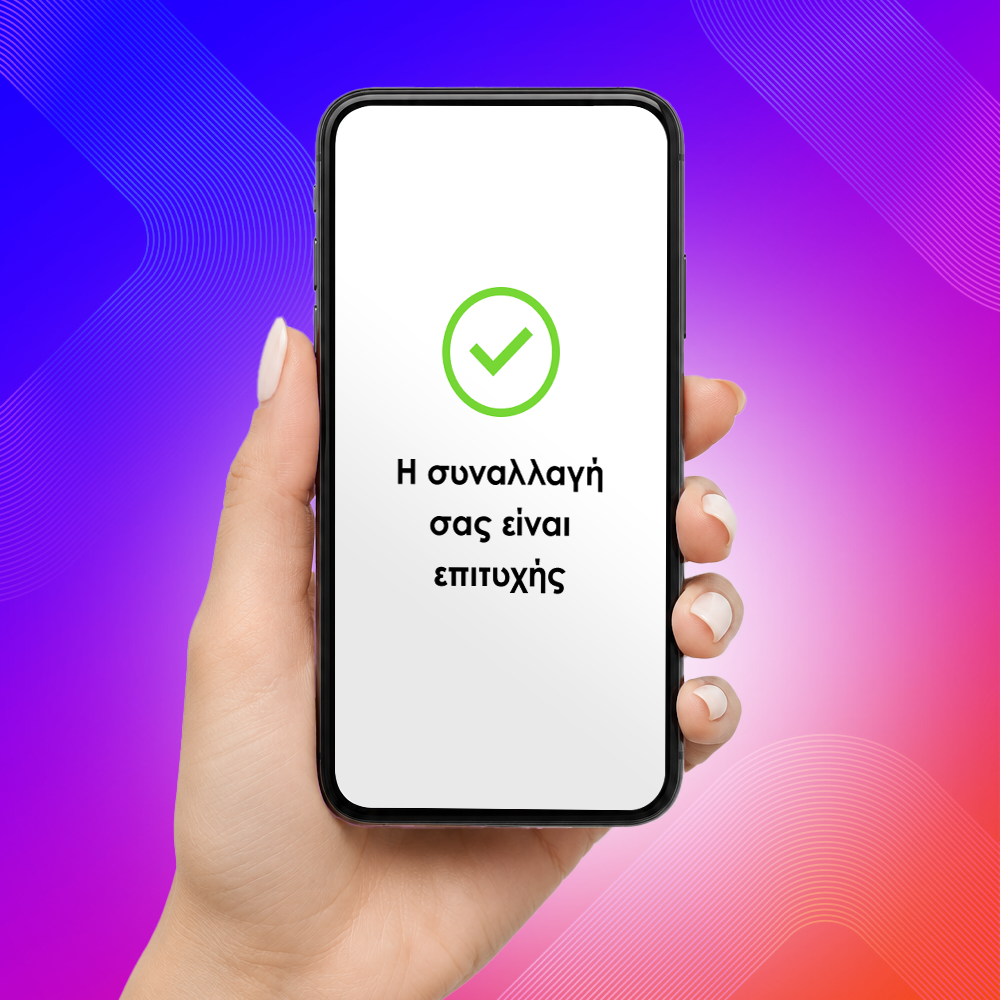
On the epay payment page, customers simply select Apple Pay and complete the transaction through Apple’s secure payment environment, without entering their card details. The experience is faster, simpler, and optimized for Apple devices across mobile and web.
Available across epay payment solutions:
Supported for:
By using the service, you accept Apple’s terms and acceptable use policy: Apple Pay Platform Web Merchant Terms and Conditions
No action is required on your part. The service is automatically enabled for new merchants and is immediately available through Redirection, iFrame, and epay by link solutions.
Redirection & epay by link
If you use Redirection or epay by link, no action is required. Apple Pay will be activated automatically and will become available on the payment page. Activation will be rolled out gradually starting from 19 October 2026.
iFrame
If you use an iFrame integration on your website, Apple Pay activation requires contacting the epay team at:
onlineservices@epayworldwide.gr
To activate the service, please send your request including your Merchant ID and Tax Identification Number (VAT Number).
Please contact the epay support team at +30 210 38 98 954.
For Account Verification transactions
During the first transaction of a recurring payment series
No. Payments are completed using the cards already stored in Apple Pay.
Apple Pay is supported on iPhone, iPad, Apple Watch, and Mac devices. Users can also complete payments from Windows PCs and other compatible devices by scanning a QR code with their iPhone or iPad.
Yes. Both full and partial refunds are supported.
At present, Apple Pay supports the major international card schemes Visa and Mastercard.
Service activation is provided free of charge.
Transactions are billed according to your existing card processing pricing agreement.