With Google Pay™, users can make purchases with one click using any card linked to their Google account.
Offer additional payment options and increase your sales and customer satisfaction.

With Google Pay, users can make purchases with one click using any card linked to their Google account.
Offer additional payment options and increase your sales and customer satisfaction.


Google Pay™ is a digital wallet by Google that allows users to make online payments easily, quickly, and securely using the cards saved in their Google Account.
On the epay payment page, the user selects Google Pay and completes the transaction within Google’s secure environment, without needing to enter card details. The experience is faster, simpler, and optimized for both mobile and web.
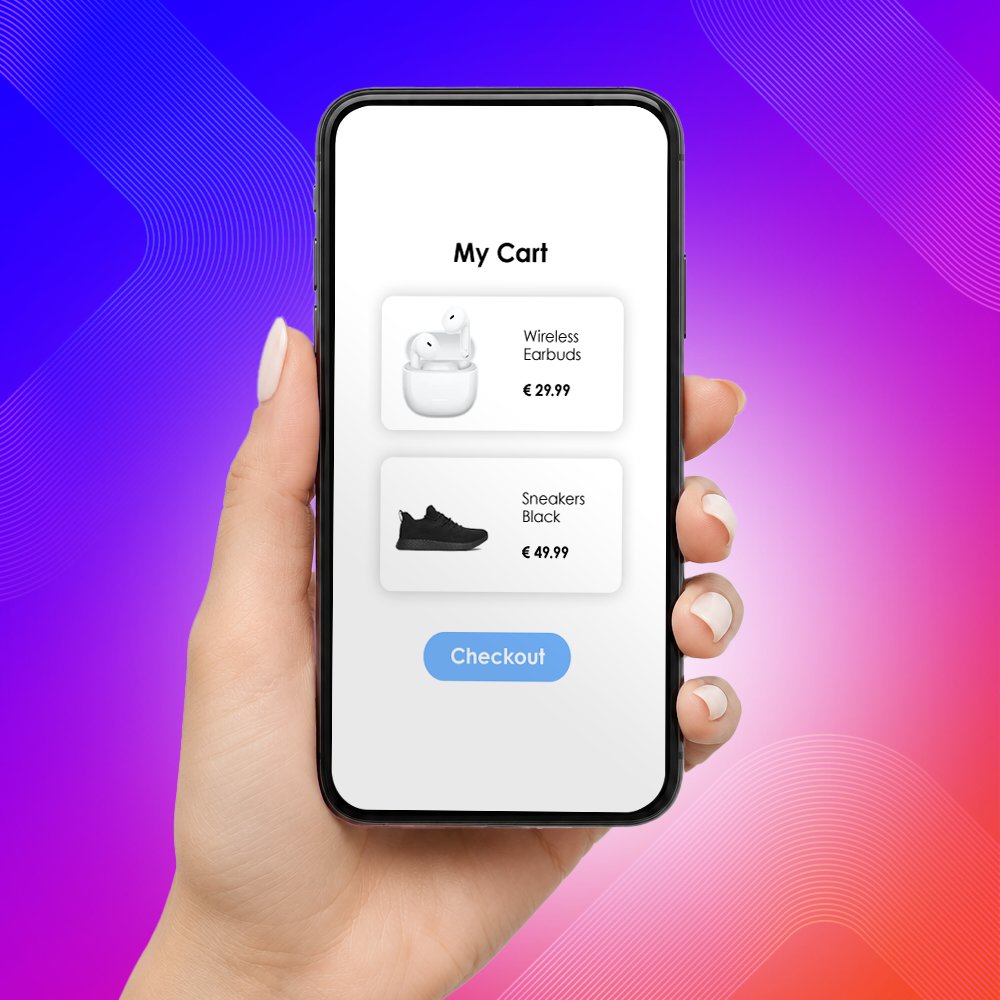
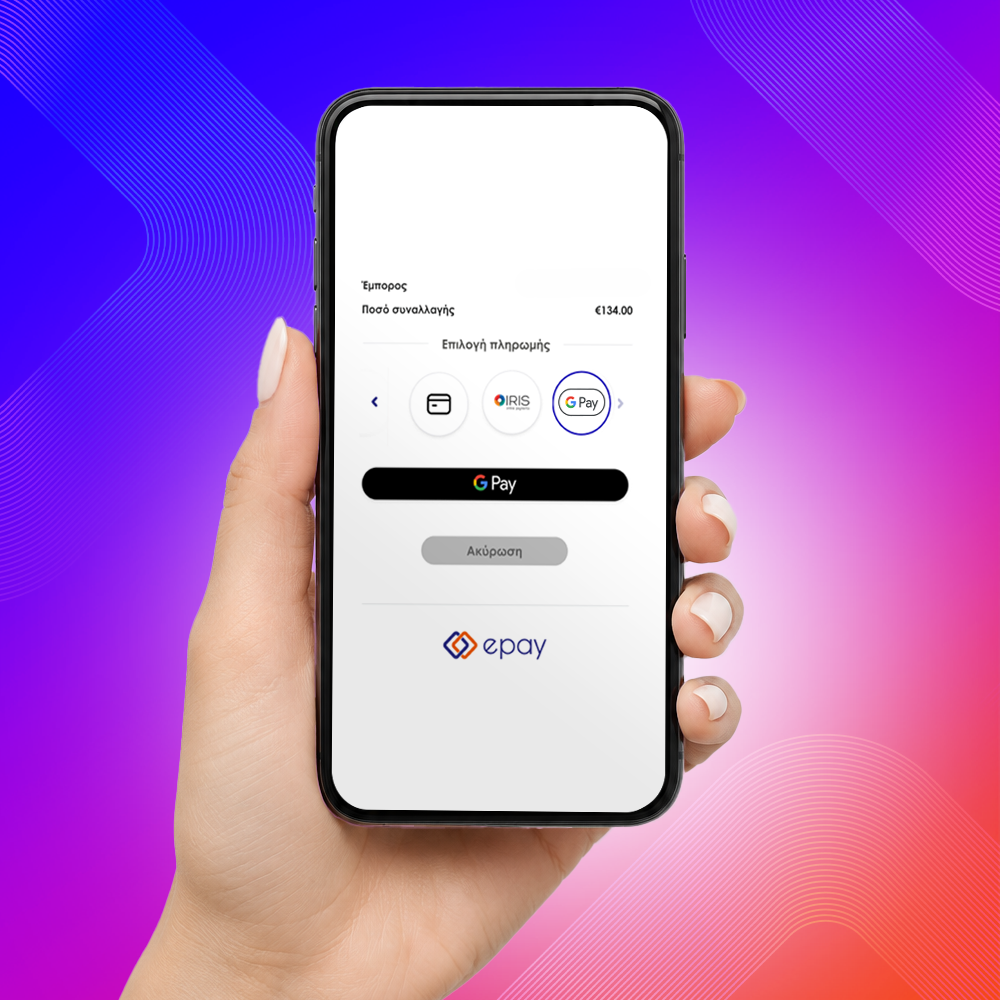
The Google Pay service is available across epay’s payment solutions:
The option is available:
By using the service, you agree to Google’s terms and acceptable use policy:
No action is required on your part. The service is activated automatically in new partnerships. It is immediately available in the Redirection, iFrame, and epay by link solutions.
Redirection & epay by link
If you are using the redirection & epay by link services, no action is required. The Google Pay payment option is automatically activated and available on the payment page. Activation will be carried out gradually starting from July 1st, 2026.
iFrame
If you are using an iFrame on your website, activation of the Google Pay payment option requires contact with the epay team at onlineservices@epayworldwide.gr.
For activation, please send your request including your Merchant ID and the company VAT number.
Contact the epay support team at +30 210 3898954.
No. The payment is completed using the cards stored in the user’s Google account.
On compatible smartphones, tablets, and browsers that support Google Pay.
Yes, both partial and full refunds are supported.
Currently, Google Pay supports the main international card schemes: Visa and Mastercard.
When a transaction is completed via Redirection or iFrame and the customer selects Google Pay as the payment method, the parameters returned in card transactions are also returned on the results page, along with the following additional parameter (for informational purposes only):
PanCardType:
Indicates the type of PAN used in a Google Pay transaction.
The Tokenization service does not apply to Google Pay payments. As a result, the Token, CardNumber and CardExpDate parameters are not returned in Google Pay transactions.
Redirection Integrations:
No technical changes are required to the existing implementation to support Google Pay payments.
iFrame Integrations:
According to Google’s guidelines, if the sandbox attribute is used, the configuration must include at least the following permissions:
allow-scripts
allow-popups
allow-same-origin
allow-forms
If the sandbox attribute is not used, no action is required.